Waypoint

Every attempt, called and measured.

Analytics for powerlifting meets. Depth, velocity, range of motion and more, delivered to your livestream and your jury, with every attempt clipped automatically.

LIVE · PLATFORM A Example overlay
Squat · Attempt 3M. Okonkwo-Reyes83 kg · Open · Raw
Bar227.5kg
Lights
Depth+2.6 cm
Speed0.31 m/s
ROM58 cm
Lifter name, weight, lights, depth, speed and bar travel, drawn on your streamIllustration

Analytics for the stream and the jury.

The same numbers go two places: on screen for viewers, and to the jury's table for reviewing a call. Use one service or all of them. Your crew keeps running the meet; we work from the stream you already send out.

Automated clipping

Every attempt, cut and named.

Each lift is cut automatically from the stream from the start command to the lights, and named by lifter, lift and attempt. Already have the video? Enter the times the referee lights came on, and we cut the clips from those. Clips are linked from the meet's results, so lifters and coaches find their own in a tap.

  • Every attempt
  • Clips from your light times
  • Linked to results
  • Upright clips for social
Depth

Squat depth, called on screen.

Pose tracking reads where the hip crease sits against the top of the knee at the bottom of each squat, and shows the margin in centimetres. Close calls get a replay, and a hidden view gets a question mark instead of a guess.

  • Margin in cm
  • Jury replay
  • Flags blocked views
Velocity

Bar speed on every rep.

Mean concentric velocity for each lift, measured from the stream video. Viewers see how hard a grinder really was; coaches see how much a lifter had left before the third attempt.

  • Mean speed, m/s
  • Peak speed
  • Bar path traced
Range of motion

How far the bar travelled.

Bar travel in centimetres for squat, bench and deadlift, drawn as a path on the picture. Bench touch point and lockout, deadlift pull length, squat descent, side by side across a flight.

  • Bar travel, cm
  • Path overlay
  • Compare across a flight

Clips, ready while the flight is still lifting.

0:14
J. Szczepański
Squat 2 · 182.5 kg
0:11
A. Nguyễn
Bench 3 · 105 kg
0:09
R. Fairweather
Deadlift 1 · 240 kg
0:13
T. Achterberg
Squat 3 · 145 kg

Example clips with made-up lifters. Red lights mark a no lift.

Clips from your light times

Give us the light times. We do the cutting.

Already have the meet on video? Send us the times the referee lights came on. We line them up with the video and cut every attempt, each clip ending on the lights.

LightsClip
1:42:08J. Szczepański · Squat 2
1:43:51T. Achterberg · Squat 3
2:58:30A. Nguyễn · Bench 3
4:11:15R. Fairweather · Deadlift 1
top of knee +2.6 cm hip crease
Depth, explained

A number, not a shrug.

The rulebook asks for the hip crease below the top of the knee. We correct for where the camera stands, then show by how much a squat made it or missed. The jury gets the margin and a replay to review a call; commentators and viewers get the same number on screen.

Our numbers support the officials. The referees and the jury make the call.

Meet day, in three steps.

01

Send us your stream.

Tell us the date, the platforms and where you stream. A camera square to the side of the platform is all depth needs; we'll help you place it.

02

We track every lift.

Our overlay sits on your stream with name, weight, lights, depth, speed and bar travel, and the jury sees the same analytics with replays. Your scoring stays with your table.

03

Clips go out.

Every attempt is cut and named during the meet, linked to the results, ready for lifters to share that night.

Meet directorsFederationsJuriesStream crewsClubs and gymsCoaches
Our hardware

Want the numbers from the bar itself?

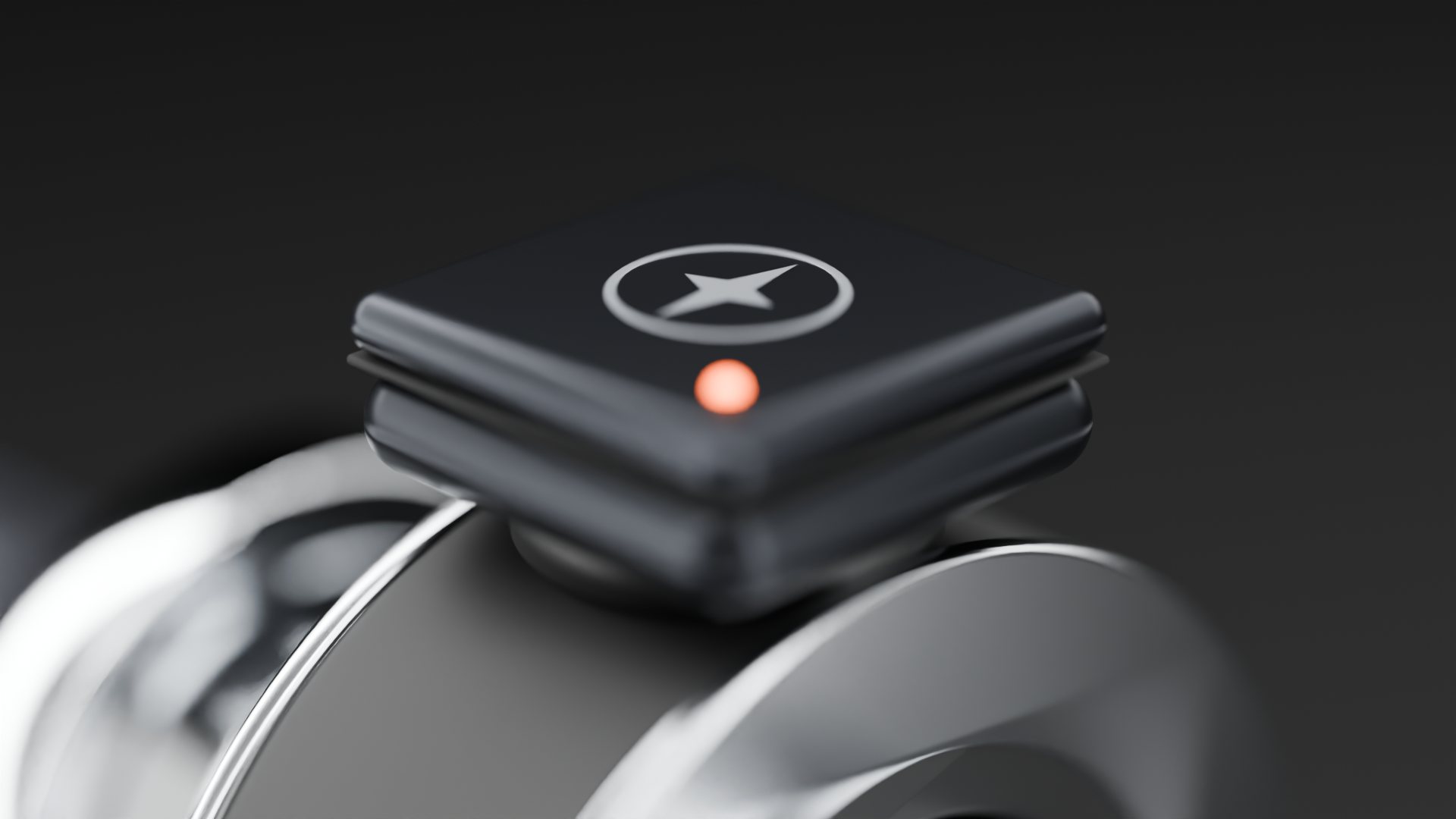
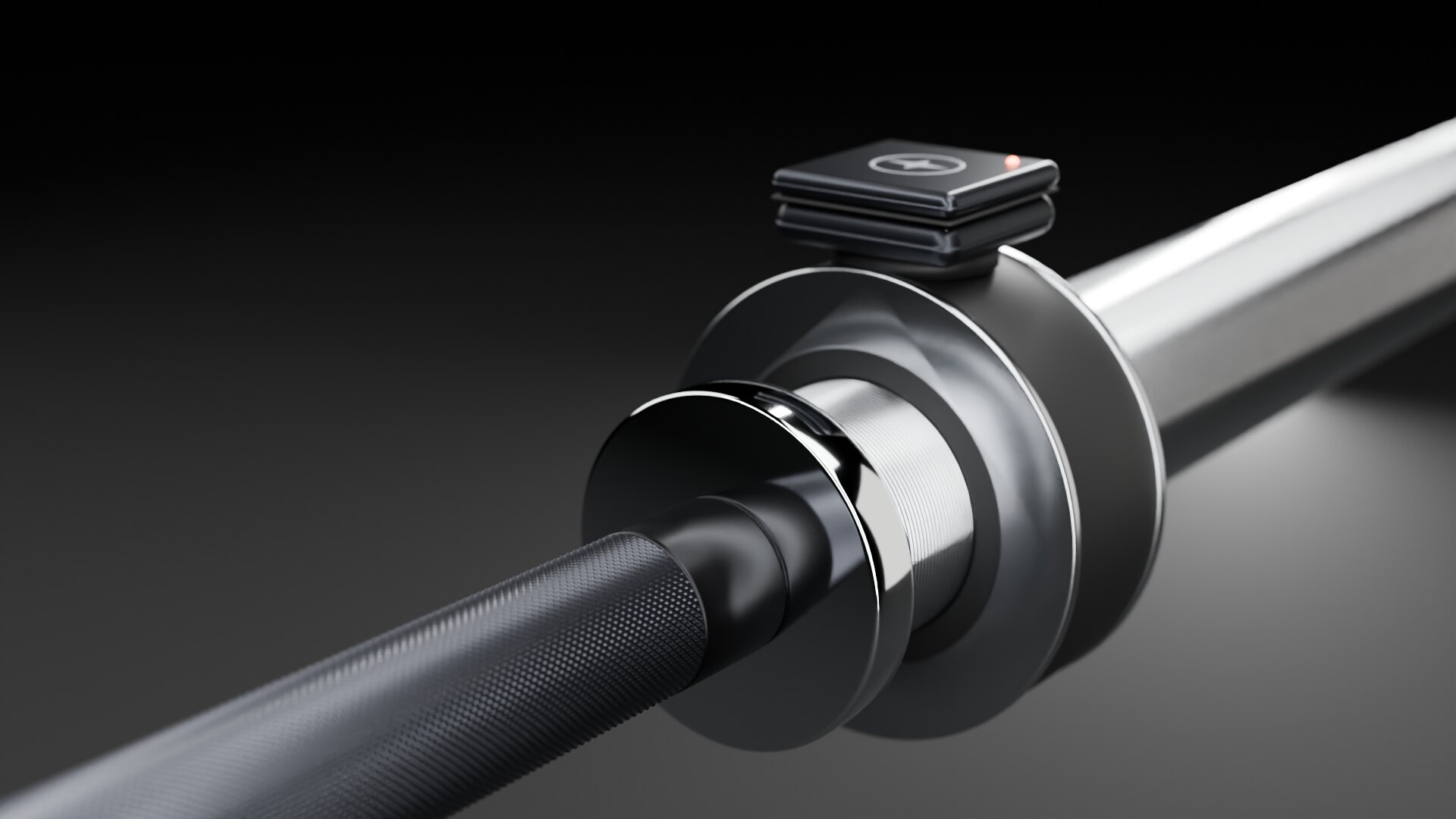
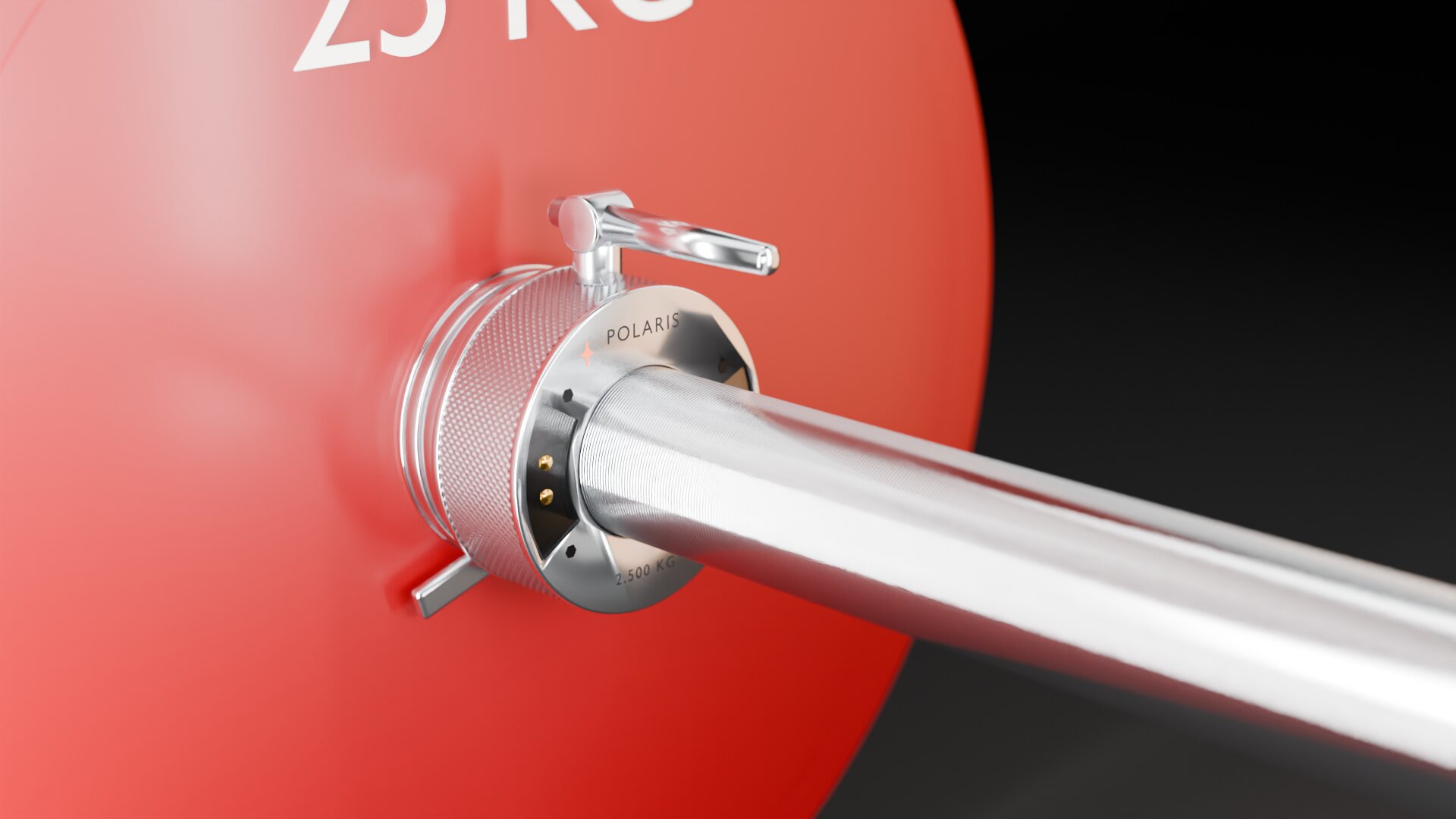
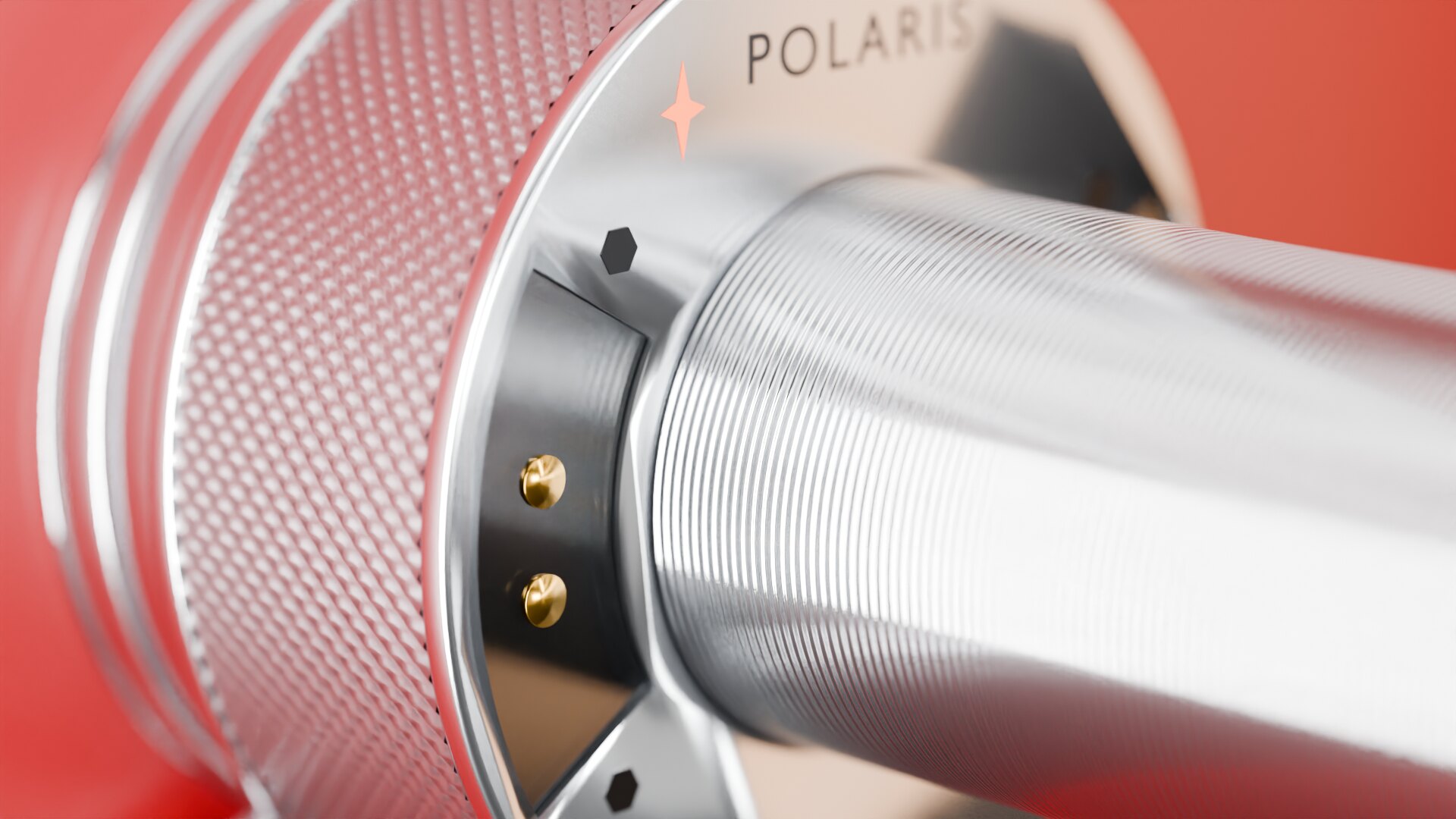
Vela is our VBT unit for training, a 25-gram sensor that rides on the collar. For the platform, Polaris is a calibrated 2.5 kg competition collar that sends speed and bar travel straight to the overlay and the jury, so camera angle doesn't matter.

See Vela and Polaris

The Vela pod: a dark rounded square with a compass-star mark and an orange status light

Put your next meet on screen.

We're taking a small number of meets while we build this out. Tell us where to reach you and we'll ask about the date, platforms and your stream.